
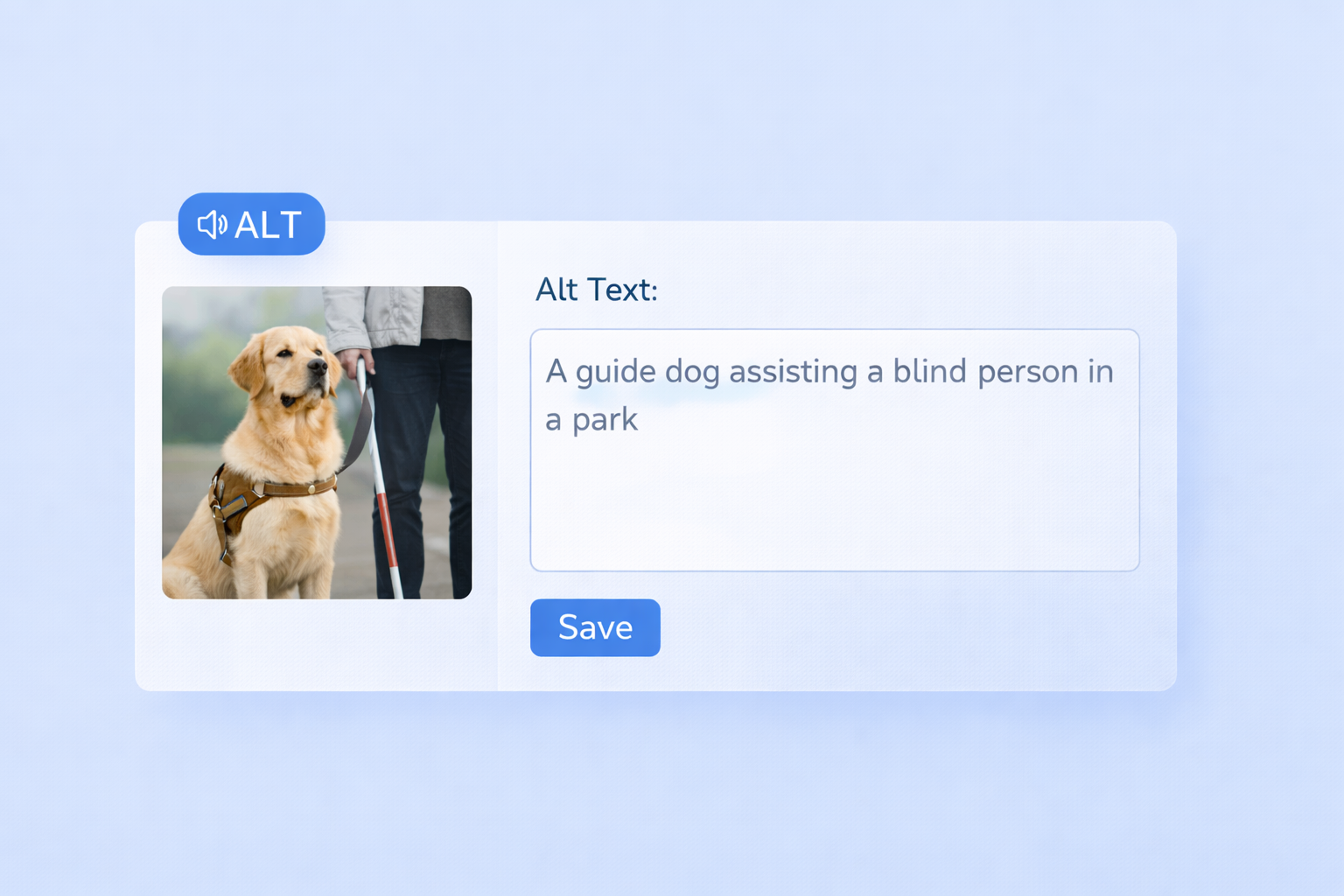
- Alt Text for Images: AI uses computer vision to describe images, enabling screen readers to convey visual details to users who are blind or have low vision.
- Captions and Transcriptions: Speech-to-text AI creates captions and transcriptions in real-time or for recorded content, helping those who are deaf or hard of hearing.
- Content Conversion: AI simplifies turning visual content into multiple formats, such as text summaries, transcripts, and multilingual captions.
- Compliance Tools: AI audits content for accessibility issues, such as missing alt text or poor color contrast, ensuring compliance with ADA and WCAG standards.
Expanding Accessibility with AI
Automated Transcription and Captioning
Automated transcription and captioning make visual content more accessible by automatically converting spoken words into text. This eliminates the need for the traditionally tedious manual captioning process.AI-Generated Transcriptions
AI-driven transcription relies on Automated Speech Recognition (ASR) technology to analyze audio and turn it into text, either in real time or after recording. Modern tools using this technology have achieved over 90% accuracy in controlled environments and continue to improve, particularly in handling diverse accents.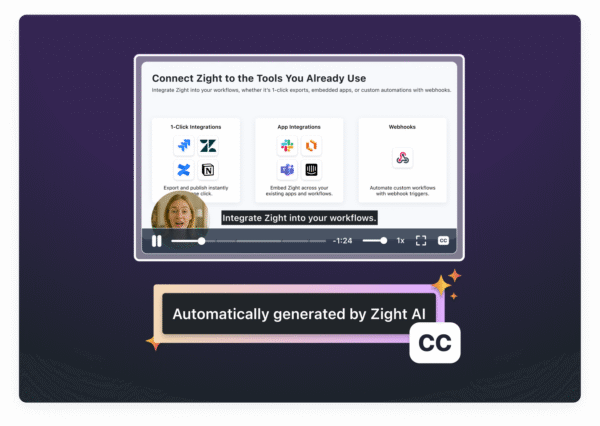 These systems can separate speech from background noise, ensuring clear captions that are especially helpful for individuals with hearing impairments. Additionally, AI transcription has made notable strides in accuracy for users with slurred or slower speech. According to Level Access, advancements in AI-powered speech-to-text processing have reduced error rates in automated captions by up to 40% compared to older technologies. Real-time captioning takes this a step further by providing live accessibility.
 Real-Time Captioning and Subtitles
Real-time captioning ensures immediate accessibility for live events, webinars, and broadcasts. While it’s invaluable for live scenarios, post-production transcription allows for detailed editing and ensures high accuracy, making it ideal for pre-recorded content. For instance, Google’s Live Transcribe app, launched in 2019, provides instant speech-to-text transcription, enabling deaf and hard-of-hearing users to engage in conversations across various situations. Real-time captioning is also gaining traction in education, corporate settings, and entertainment. Not only does it help organizations meet legal accessibility standards, but it also enhances viewer engagement. Studies show that videos with captions tend to have higher engagement rates and longer watch times. These advancements pave the way for integrated tools like those offered by Zight.Zight’s AI-Powered Transcription Features
Zight takes transcription tools to the next level by incorporating multi-language capabilities directly into its visual communication platform. Its “Auto-Transcribe” feature delivers accurate, easy-to-read captions and transcriptions for videos, streamlining workflows by eliminating the need for separate transcription tools. Zight goes beyond basic transcription with its “AI Translation” feature, which supports over 50 languages, significantly broadening accessibility worldwide.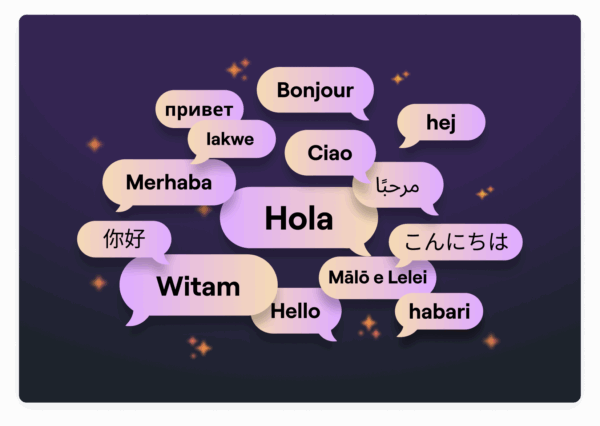 Users have praised these features for their convenience and effectiveness. Fred Pike, Managing Director at Northwoods, shared his thoughts:
 “I’ve had the AI add-on for about a month now and the video transcriptions, the chapters in the video, and the summary data – wow, it’s great! I wasn’t sure it’d be worth it, but it absolutely is – I love those features!”Zight’s transcription tools also integrate seamlessly with platforms like Slack, Microsoft Teams, and Jira, allowing teams to create accessible content without disrupting their existing workflows.
AI-Powered Alt Text and Image Descriptions
AI-driven alt text generation is transforming accessibility for visually impaired users by automatically creating descriptions for visual content. This technology ensures that images and graphics are accessible through screen readers and other assistive tools, opening up new possibilities for inclusivity. At the core of this innovation are computer vision algorithms that analyze and interpret visual data.Alt Text Generation Using Computer Vision
Computer vision algorithms work by identifying objects, people, text, and the overall context in an image. Based on this analysis, AI systems generate alt text that summarizes the key elements of the scene, making it easier for screen reader users to understand visual content. For example, tools like Microsoft’s Seeing AI and Be My Eyes showcase how AI can describe environments or assist users in real-time through live interaction. These applications demonstrate the practical benefits of AI in accessibility. The impact of AI-generated alt text isn’t limited to specific apps. GIPHY‘s partnership with accessibility providers to add AI-generated alt text to 10,000 popular GIFs is a standout example. This initiative has made memes and GIFs accessible to visually impaired users, allowing them to engage in meme culture and online conversations in ways that were previously out of reach. Modern vision-language models take this a step further by interpreting deeper meanings and relationships within images. Instead of simply stating “a person and a dog”, these advanced systems can describe scenes in greater detail, such as “a person walking their dog in a park on a sunny day.” They can even process complex visuals like infographics, handwritten notes, or emotional cues with impressive accuracy. This capability is invaluable for websites and platforms managing large volumes of images, as it enables rapid generation of alt text for extensive visual content libraries.Ensuring Cultural Relevance and Accuracy
While AI is powerful, human oversight remains essential to refine and adapt AI-generated descriptions, especially for U.S. audiences. AI can quickly produce alt text, but human reviewers are critical for ensuring these descriptions are accurate, clear, and culturally appropriate. Automated descriptions should serve as a starting point, not the final product. AI systems sometimes struggle to grasp subtle details or cultural nuances. For instance, while an AI might correctly identify objects in an image, it could miss their cultural or emotional significance. To address this, organizations should establish review processes where human experts validate and edit AI-generated alt text. This ensures compliance with accessibility standards like the Web Content Accessibility Guidelines (WCAG) and the Americans with Disabilities Act (ADA). Human reviewers play a key role in adapting descriptions to align with U.S. cultural norms. They ensure that language is meaningful, concise, and free from bias. Additionally, regular audits and feedback from users with visual impairments can further refine the quality of alt text.AI-Driven Format Conversion and Content Repurposing
AI has revolutionized the way visual content is transformed into accessible formats like transcripts, summaries, and guides. With this technology, videos can be automatically converted into text transcripts, images into structured summaries, and complex visuals into step-by-step instructions compatible with assistive tools. Beyond transcription and captioning, AI now makes it easier to repurpose content across multiple formats and platforms.Automating Format Conversion
Using a combination of computer vision and natural language processing, AI can analyze visual content and generate alternative formats automatically. For instance, it can process a training video to create a transcript, extract key steps into a guide, and even generate audio descriptions for users who rely on them. Similarly, AI can simplify complex infographics by breaking them down into structured text summaries, ensuring that data visualizations are accessible to screen readers. By identifying the essential elements of visual data, the technology translates them into logical, text-based descriptions while preserving their original intent.Content Repurposing for Multiple Platforms
AI doesn’t just stop at conversion, it adapts content for various platforms, ensuring it fits seamlessly into different collaborative environments. Modern workplaces use tools like Slack, Microsoft Teams, and Jira, and AI ensures that content remains accessible and effective across all these platforms. For example, a product demo video can be transformed into a short GIF for Slack, a detailed step-by-step guide for Jira, and an audio transcript for Microsoft Teams. Each adaptation retains the core message while optimizing the format for the platform’s specific needs. AI can even generate multilingual subtitles, making content accessible to non-English speakers and individuals with hearing impairments.
Zight’s Role in Simplifying Content Conversion
Zight takes the complexity out of format conversion with its built-in AI tools for transcription, summarization, and translation. Whether you’re recording a screen capture or creating a step-by-step guide, Zight’s AI generates accessible versions automatically. With integrations for platforms like Slack, Microsoft Teams, and Jira, Zight allows users to share converted content directly in the appropriate format. For instance, a training video created in Zight can simultaneously produce a text transcript for Jira, a concise summary for Slack, and formatted captions for Teams presentations. Zight’s transcription feature works in real time during screen recordings, providing instant text alternatives as content is captured. This eliminates delays between content creation and accessibility compliance, helping teams maintain inclusive communication practices without missing a beat.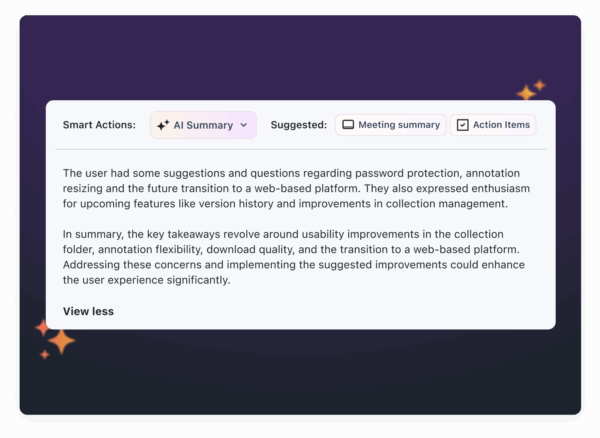 Additionally, Zight supports custom branding and enterprise-grade security, ensuring that all converted content aligns with an organization’s standards. This way, teams can prioritize accessibility while maintaining a polished, professional look and safeguarding sensitive information across all formats.











