
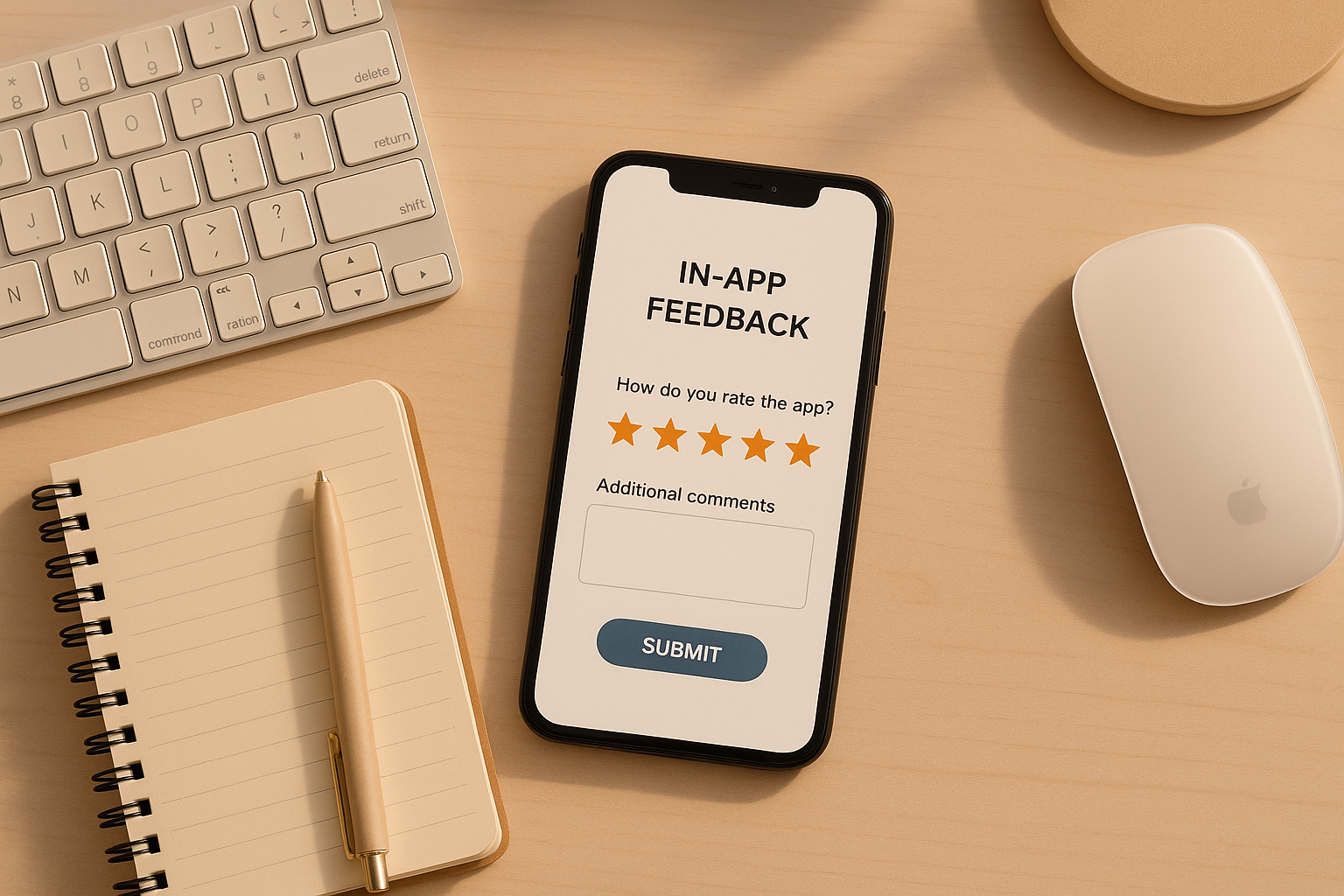
In-app feedback SDKs are essential tools for developers to gather user insights directly within mobile apps. These SDKs help collect bug reports, feature suggestions, and ratings while providing valuable context like device info, app version, and user actions. Here’s a quick look at the five best options:
- Mopinion: Great for cross-platform teams with features like annotated screenshots, customizable surveys, and real-time analytics. Works with iOS, Android, React Native, Flutter, and more.
- SurveyMonkey: Focuses on mobile surveys with customizable templates and branding options. Offers real-time analytics and integration with iOS and Android apps.
- Usersnap: Specializes in visual feedback with tools like screenshots, annotations, and screen recordings. Ideal for bug reporting and testing in iOS and Android apps.
- Survicate: Covers feedback collection across multiple channels, including mobile apps (iOS, Android, React Native, Flutter) and web. Offers AI-driven analytics and survey customization.
- Instabug: Designed for mobile-first teams, it excels in bug reporting with features like annotated screenshots, session replays, and automated UI issue detection.
Each SDK has unique strengths, so your choice depends on your platform, feedback needs, and budget.
Quick Comparison
Choose the SDK that aligns with your app’s goals and start improving user satisfaction today.
Fastest Mobile Feedback SDK | Commented App for iOS & Android
1. Mopinion
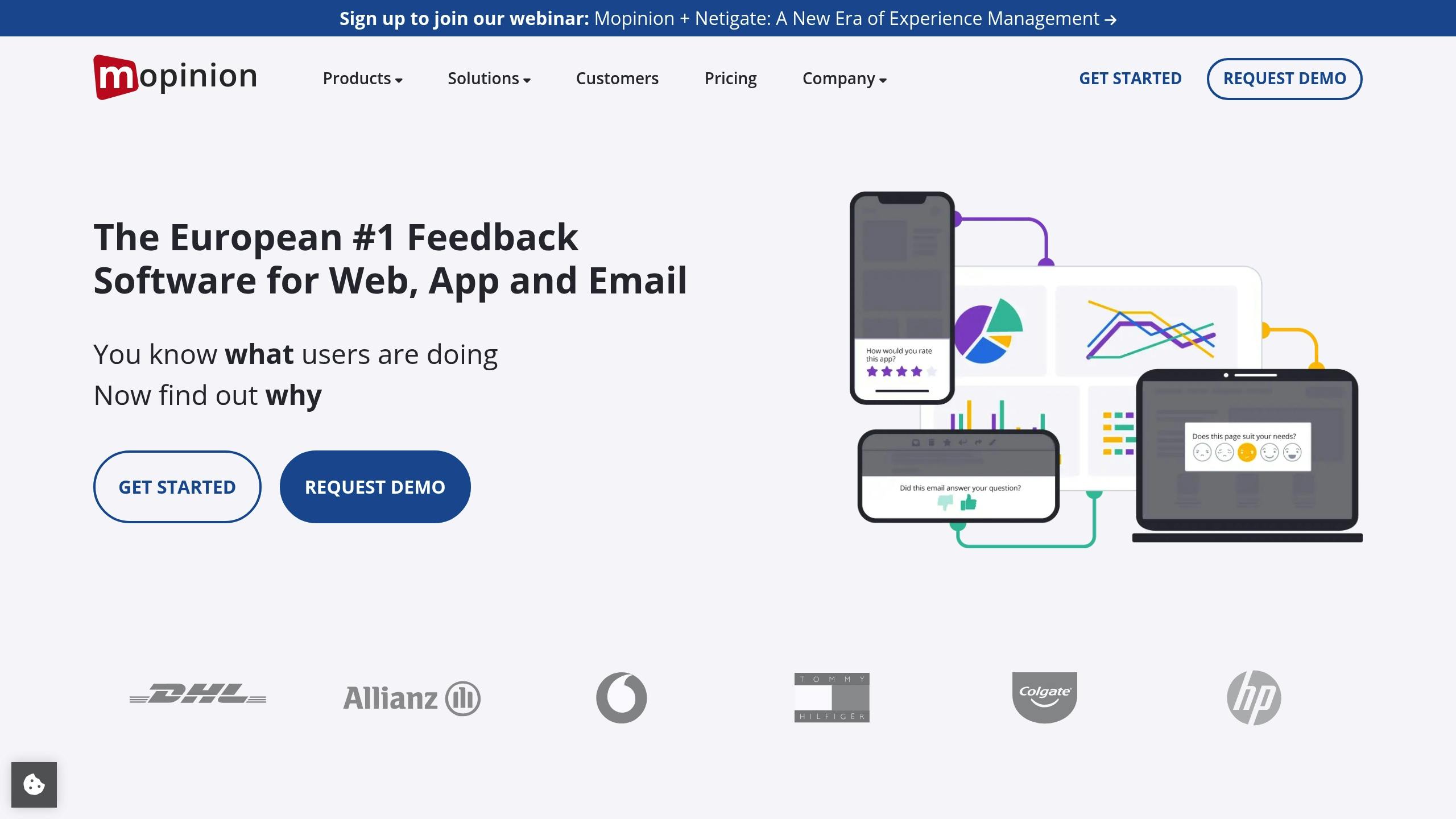
Mopinion is an SDK designed to help mobile developers gather detailed user feedback without disrupting the app’s functionality. It specializes in visual feedback and customizable surveys, making it a valuable tool for improving user experience.
Supported Platforms
Mopinion supports native SDKs for iOS and Android, working seamlessly with Swift and Kotlin. It also integrates with frameworks like React Native, Flutter, Cordova, Ionic, and Capacitor. Developers can collect feedback through native integrations, APIs, or webviews, offering flexibility to suit different app setups.
Visual Feedback Features
With Mopinion, users can submit annotated screenshots directly within the app. This feature allows users to highlight specific issues, making it easier for development teams to identify and address problems. Each feedback submission includes helpful metadata, like user details and app version information, so developers can quickly reproduce and resolve reported issues.
Survey Customization and Analytics
Mopinion provides developers with extensive options to tailor feedback forms. You can use pre-built themes, add custom CSS, and integrate branding elements like logos for a polished look. The SDK also supports dynamic survey logic, allowing follow-up questions to adjust based on user responses. On the analytics side, Mopinion offers real-time dashboards, text analysis, sentiment tracking, and smart labeling to help teams make sense of the feedback they receive.
2. SurveyMonkey
SurveyMonkey brings its survey platform into mobile apps using dedicated SDKs. It’s the third most commonly integrated survey SDK in Android apps on Google Play, featured in 14.98% of apps in the category and driving 24.92% of app downloads.
Supported Platforms
The SurveyMonkey SDK is compatible with native iOS and Android apps, requiring iOS 7.x or later and Android API 21 (Android 5.x) or higher for version 3.0.4 and beyond. It also offers bridges for popular cross-platform frameworks like React Native, Cordova, and Xamarin. This flexibility ensures a smooth in-app experience while accommodating a wide variety of development environments.
Survey Customization and Analytics
Developers can tailor surveys to their needs. Whether starting from scratch, customizing expert-certified templates, or matching the survey’s design to a brand, the SDK allows for real-time updates within the app. Branding options include adding custom background images and repositioning questions for a personalized user experience.
Premier plan users gain even more control, such as removing SurveyMonkey branding, customizing survey URLs, and redirecting respondents to their own websites. The analytics dashboard provides real-time insights, helping teams act quickly on user feedback. Features like Data Pull enable developers to take specific actions based on responses, for instance, encouraging satisfied users to leave app store reviews. The SDK also supports collecting custom variables, though this feature requires a paid plan.
Pricing and Scalability
SurveyMonkey’s mobile SDK is included in its broader paid plans, not offered as a separate product. Plans range from the Free Plan (unlimited surveys, up to 10 questions, and 40 responses per survey) to the Standard Monthly plan at $99/month, the Advantage Annual plan at $39/month (billed annually), and an Enterprise plan with unlimited API access. Advanced features like Data Pull and custom variable collection are available in higher-tier plans, while the Enterprise plan is ideal for large-scale mobile app integration and data management needs.
3. Usersnap
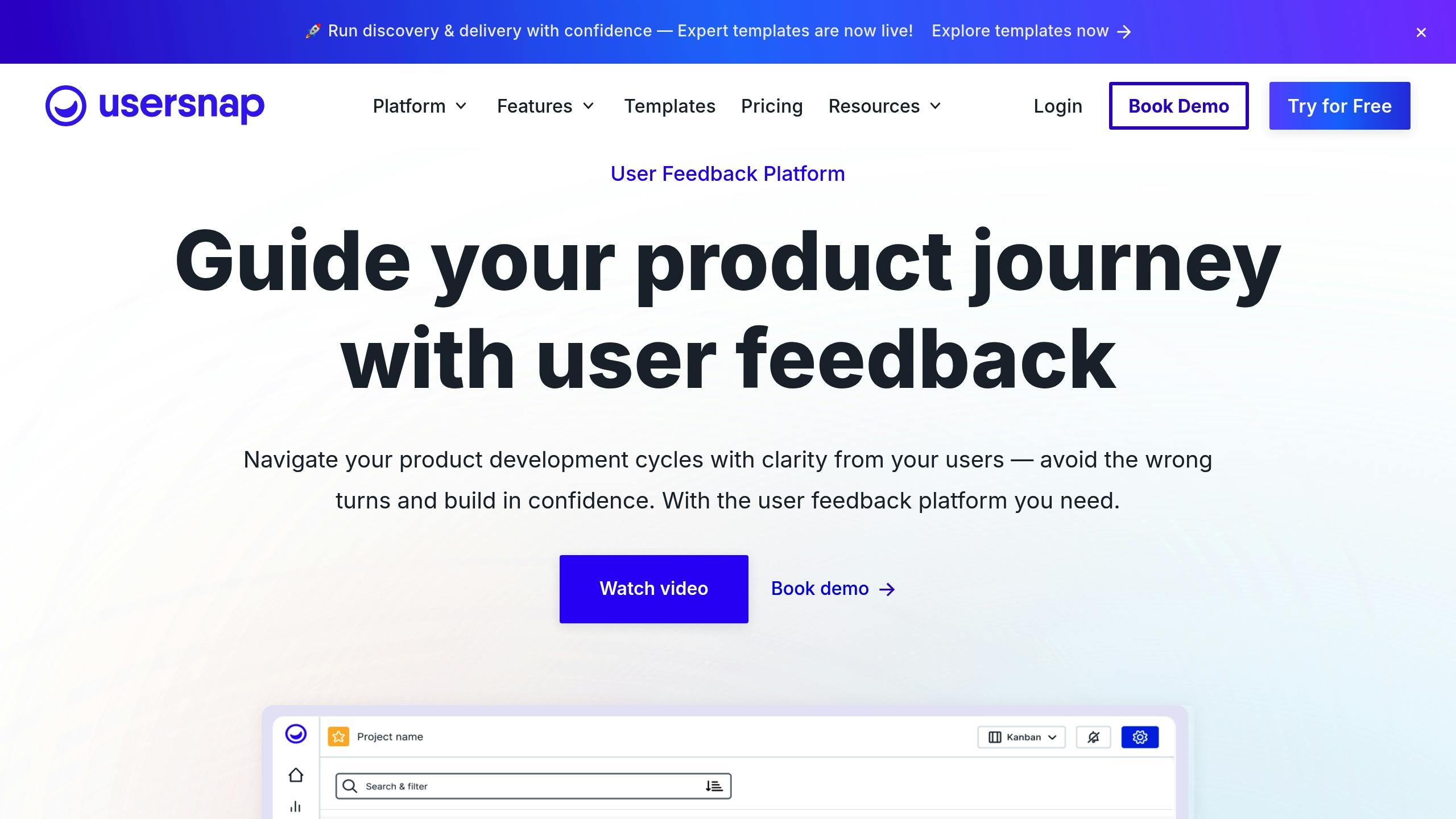
Usersnap stands out by focusing on visual feedback to enhance user insights. Its beta mobile SDK combines surveys with powerful tools like screenshots and annotations, creating a feedback process that’s both intuitive and effective.
Supported Platforms
Usersnap’s mobile SDK is designed for iOS and Android applications, supporting Android devices running version 5 (Lollipop) or later. While it doesn’t offer direct support for React Native, developers can integrate the native iOS and Android SDKs into React Native apps with some extra configuration.
Unlike its web counterpart, the mobile SDK doesn’t rely on feedback buttons or automatic pop-ups. Instead, developers must define specific triggers for feedback collection, such as native buttons or user actions within the app. This approach provides greater flexibility and control over how and when feedback is gathered.
Visual Feedback Features
Usersnap equips teams with a comprehensive set of tools, including screenshot capture, annotations, screen recordings, and voice feedback. Submissions automatically include metadata like the date, time, app view, version, device details, and operating system information.
The visual annotation tools are particularly useful for tasks like bug reporting and user acceptance testing. For example, teams at Jimdo have successfully used Usersnap’s combination of screenshots and metadata to quickly reproduce and resolve issues.
Survey Customization and Analytics
Beyond its visual tools, Usersnap simplifies survey creation and data analysis. Teams can build custom microsurveys, like CSAT, NPS, polls, or thumbs up/down surveys, with conditional logic for more targeted feedback. These surveys can include single or multiple questions and can be tailored to specific user behaviors, events, or segments.
Branding options allow teams to fully customize the feedback experience, from colors and fonts to logos and language, ensuring the process aligns with the app’s design and user experience.
The analytics dashboard provides a centralized view of all feedback, complete with sentiment analysis and user context. Teams can track trends, identify priorities, and analyze feedback patterns across different app versions or user groups. Additionally, Usersnap offers prebuilt templates for popular survey types, such as Customer Effort Score (CES) and pricing surveys, enabling teams to get started quickly with proven methods.
4. Survicate
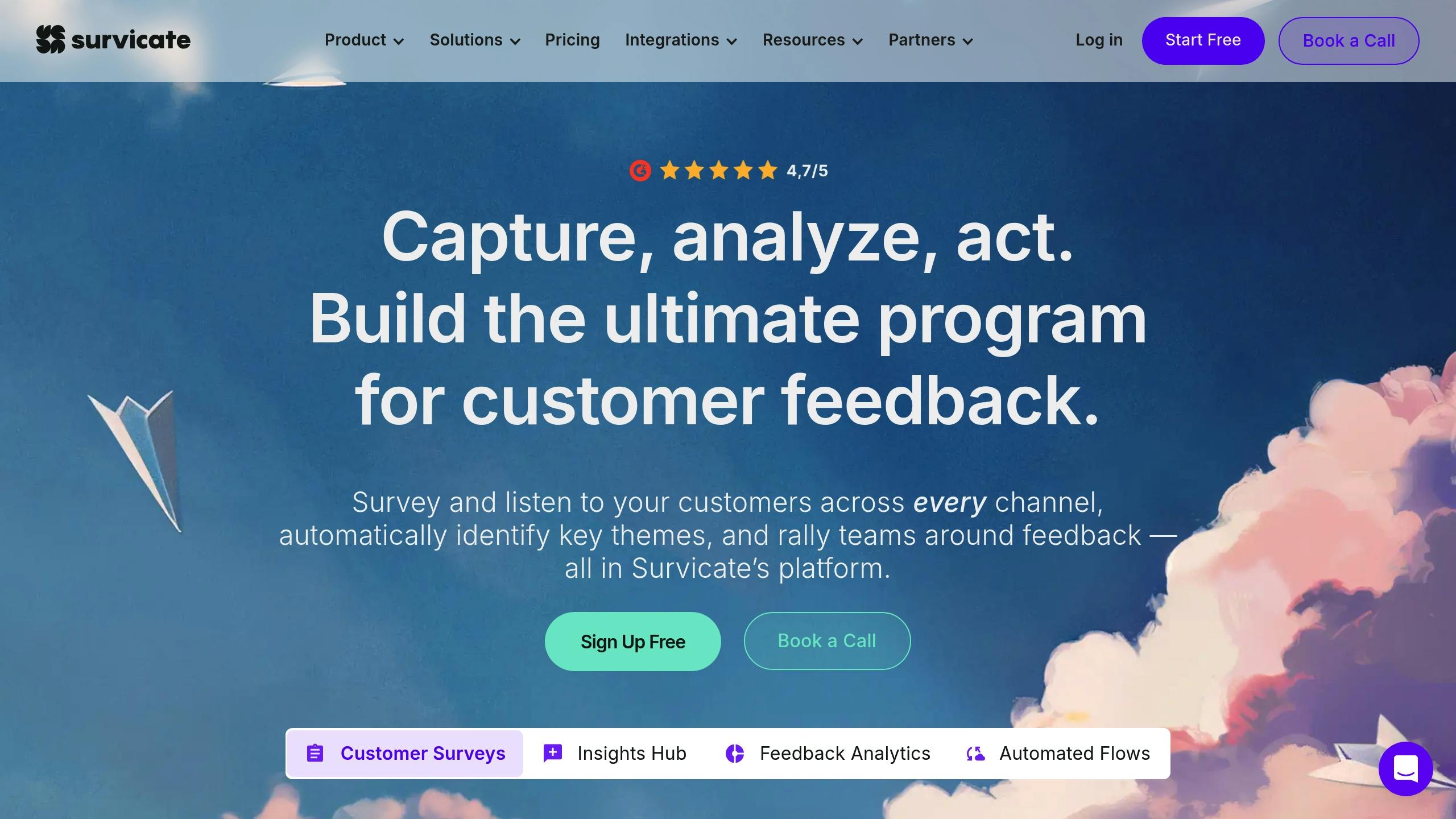
Survicate provides a comprehensive feedback solution for both web and mobile platforms. Its mobile SDK allows teams to collect user insights seamlessly across different technologies. Here’s a closer look at its platform support and survey capabilities.
Supported Platforms
Survicate’s mobile SDK works across iOS, Android, React Native, Flutter, and Unity applications. This wide compatibility ensures that development teams can gather feedback consistently, no matter the technology stack they use.
For web applications, Survicate makes survey deployment simple with minimal coding requirements. Additionally, it integrates directly with Intercom, enabling teams to embed surveys within Intercom Messenger for an uninterrupted user experience.
Survey Customization and Analytics
Survicate stands out for its highly customizable surveys and AI-driven analytics. Teams can create surveys from scratch using an intuitive drag-and-drop interface or pick from a library of professionally designed templates. Surveys are fully responsive, adapting to any device, and can include advanced logic to create tailored feedback flows.
The platform also leverages AI to simplify survey creation by suggesting relevant questions, templates, and follow-ups.
On the analytics side, Survicate’s “Insights Hub” consolidates feedback from multiple channels, including surveys, reviews, support chats, calls, and emails. AI tools automatically categorize feedback into topics, perform sentiment analysis, and generate summaries, providing teams with a clear understanding of user sentiment and trends across all touchpoints.
Pricing and Scalability
Survicate offers flexible pricing options designed to grow with your team and survey needs, making it suitable for both startups and large enterprises.
With its strong mix of customization, ease of use, and intelligent analytics, Survicate equips teams with the tools they need to turn feedback into actionable insights.
5. Instabug
Instabug wraps up our list by offering powerful tools for mobile feedback and bug reporting. It’s tailored for mobile development teams that need deep insights into user experiences.
Supported Platforms
Instabug focuses exclusively on mobile platforms, providing seamless SDK integration for both iOS and Android. This mobile-first strategy ensures that developers can enhance their apps with ease.
Its compatibility with various mobile frameworks supports its mission to improve app performance and user satisfaction.
Visual Feedback Features
Instabug stands out with its advanced tools for gathering mobile feedback. Every bug or feedback report automatically includes a screenshot, which users can annotate by drawing, highlighting, or blurring specific areas.
One of its standout features, AI Visual Issues (introduced in January 2025), takes feedback collection to the next level. This tool scans screenshots to detect UI problems like font size mismatches, misaligned elements, or layout glitches, issues that are often overlooked. By automating this process, Instabug saves developers from the tedious task of manually identifying UI errors. These findings are seamlessly integrated into Instabug’s Session Replay, connecting detected issues to specific screenshots from user sessions.
Users can also enrich their feedback reports by attaching additional visuals, such as screenshots or recordings. To protect privacy, the “Private Views” feature ensures sensitive information in visual attachments remains hidden.
A survey revealed that 73% of users abandon apps due to visual and navigation issues, emphasizing the importance of tools like Instabug in creating polished, user-friendly apps.
SDK Comparison Table
Here’s a quick overview of the key features and strengths of each SDK. Use this guide to decide which one aligns with your platform needs, feedback goals, and budget.
Platform Coverage and Strengths
Mopinion stands out for its extensive platform compatibility. It supports native development for iOS (Swift) and Android (Kotlin) while also covering popular cross-platform frameworks like React Native, Flutter, Cordova, Ionic, and Capacitor. This makes it an excellent choice for teams working across multiple environments.
Other SDKs focus more narrowly. Usersnap extends its functionality to web applications, while Survicate excels in gathering feedback across multiple channels. Instabug, on the other hand, is tailored for mobile-specific bug reporting.
Budget Considerations
Pricing varies widely across these SDKs. Select the one that fits your platform requirements and feedback collection priorities.
Conclusion
Selecting the right SDK for in-app feedback can reshape how you gather insights and enhance your mobile app. Each option brings something distinct to the table: Mopinion supports multiple platforms seamlessly, SurveyMonkey specializes in structured surveys, Usersnap combines visual feedback with bug tracking, Survicate integrates feedback from various channels, and Instabug shines in mobile bug reporting. The key is to align the SDK with your specific goals.
More than just comparing features, effective feedback collection translates directly into better app experiences. In-app feedback creates a real-time connection with users, helping you identify problems and make improvements as they arise.
Take advantage of free trials to experiment with each SDK. See how they perform in terms of compatibility with your platform, ease of use for your team, budget constraints, and the type of feedback you need.
A well-chosen feedback SDK can enhance user retention, improve app ratings, and guide smarter product decisions. Test the one that fits your needs and watch your app thrive.
FAQs
What should I consider when choosing an in-app feedback SDK for my mobile app?
When choosing an in-app feedback SDK for your mobile app, pay attention to a few critical aspects: how easy it is to integrate, the level of customization it offers, and whether it works smoothly with platforms like Android and iOS. These factors can make a big difference in how well the SDK fits your needs.
You’ll also want to consider features like timely feedback prompts, personalized survey options, and a user-friendly interface. These can help create a smooth and engaging experience for your users.
Make sure the SDK aligns with your app’s design, supports conditional logic for more targeted surveys, and gives users the option to opt out of feedback requests when they prefer. The best tools will gather clear and relevant feedback without interrupting the flow of your app.
How do the top in-app feedback SDKs differ in terms of platform compatibility?
The leading in-app feedback SDKs are built to work seamlessly with native iOS and Android platforms, making them a go-to choice for mobile app developers. Many of these tools also extend their support to popular cross-platform frameworks like React Native and Flutter, simplifying the process of gathering feedback across different environments. On top of that, some SDKs provide web integration through JavaScript libraries, ensuring developers can collect feedback effortlessly on both mobile and web platforms.
While native platform support is standard, features like cross-platform compatibility and web integration can be game-changers, especially for developers managing projects across various ecosystems.
How does using an in-app feedback SDK enhance user satisfaction and boost app ratings?
Using an in-app feedback SDK allows developers to gather real-time insights directly from users. This makes it easier to spot and address issues quickly, resulting in a more seamless app experience and happier users.
By giving users a private way to share their thoughts, it also minimizes the chances of negative public reviews. Over time, this approach builds trust, strengthens loyalty, and can lead to better app ratings and more positive interactions.












