
Making Shaken Iced Coffee Tutorial, While Vibe Coding
Learn how to make a delicious shaken iced coffee while vibe coding with Claude Code in the background. This fun multitasking tutorial is perfect for tech-savvy creators who love coffee and productivity. Zight lets you easily capture and share your cooking tutorials which is ideal for blogs, YouTube, or Reels.
Step 1: Set Up with Claude Code
- Before starting, ensure your Claude Code is set up and starting its work in parralel!

Step 2: Prepare Coffee Grains
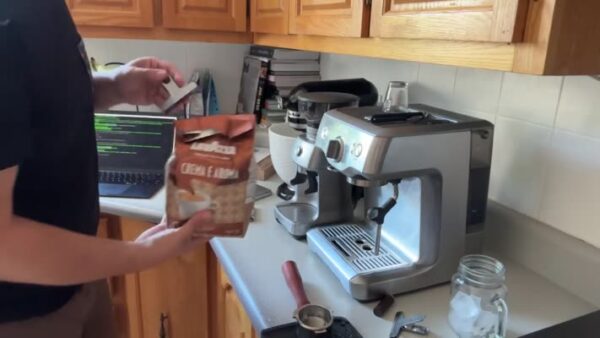
- Let Claude Code work while you prepare your coffee grains, measuring out 18 grams on a scale.
Step 3: Use a Tiny Scale
- Ensure you have a precise tiny scale to measure your coffee.

Step 4: Measure 18 Grams of Coffee
- Aim for exactly 18 grams, but 18.1 is acceptable.

Step 5: Grind the Coffee
- Place the coffee in the grinder; finer grounds are better but not too fine.

Step 6: Prepare the Portafilter
- Use a bottomless portafilter with a magnetic top to avoid messy counters.

Step 7: Remove Lumps
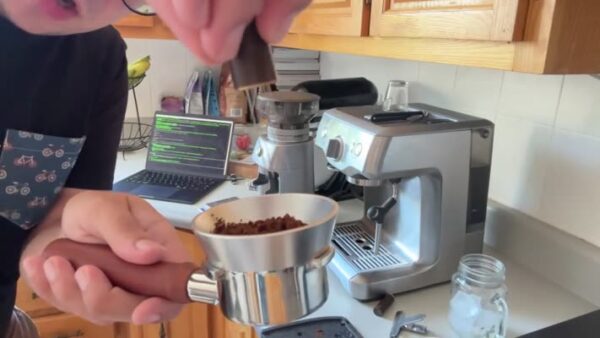
- Use a tool to remove big lumps from the coffee grounds.
Step 8: Tamp the Coffee
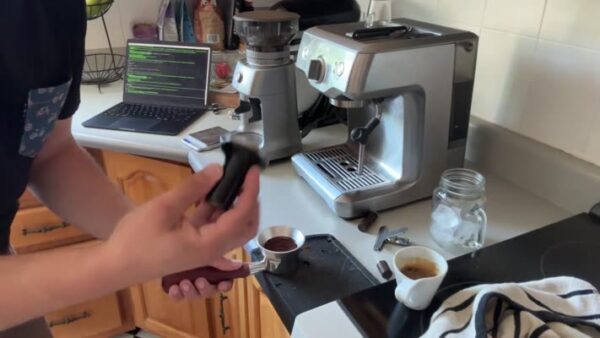
- Tamp the coffee into the portafilter with constant and even pressure to compact it.
Step 9: Clean the Portafilter
- Ensure the portafilter is clean and coffee is tempered evenly for better water pressure.

Step 10: Make the Coffee
- Place the scale under the cup, add sugar if desired, and start pouring.

Step 11: Observe the Coffee Stream
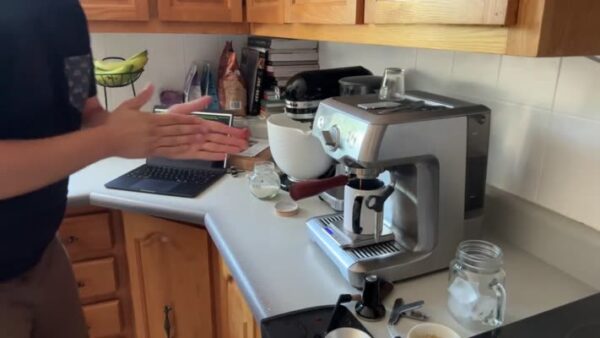
- Make sure the coffee flows in a nice stream.

Step 12: Check the Output
- The coffee should yield about 36-40 milliliters.
Step 13: Prepare Mason Jar with Ice
- Use a mason jar with ice for the iced espresso.

Step 14: Add Milk
- Pour milk to drop the temperature of the coffee and pour the espresso + milk into the jar.
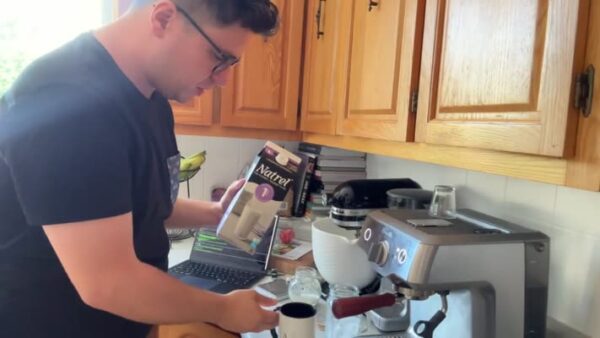
Step 15: Shake the Coffee
- For a shaken iced coffee, put the lid on and shake to create foam.

Step 16: Enjoy
- Admire the foam and enjoy your shaken iced coffee.

The ultimate guide to making shaken iced coffee while vibe coding
There’s something undeniably satisfying about pairing a good coding session with a great cup of coffee. For many creators and developers, coffee fuels focus, creativity, and momentum. But instead of sipping another basic brew, why not upgrade your routine with a shaken iced coffee?
In this guide, we’ll explore how to make a café-quality shaken iced coffee while you’re vibe coding with Claude Code in the background. It’s a mix of productivity, creativity, and a little self-care. Even better, you can record the entire process using Zight to create an aesthetic tutorial for your blog, YouTube, or Reels.
Why shaken iced coffee pairs perfectly with coding
Shaken iced coffee is refreshing, energizing, and simple to make. It’s similar to an iced latte but with a frothy, smooth texture that feels luxurious and satisfying. The shaking process aerates the coffee, creating tiny bubbles that enhance flavor and texture.
For coders, the ritual of making coffee can serve as a mental reset between tasks. It’s a brief pause that sparks focus and clarity, helping you stay in the zone while writing clean, efficient code. Add some background beats or Claude Code running alongside you, and you have the perfect productivity vibe.
Setting up your environment
Before you start making your shaken iced coffee, set the mood for your coding session. Make sure Claude Code is open and running in the background, assisting with your project or automating repetitive tasks. Choose a playlist that matches your energy, something mellow and inspiring to keep you in flow.
A tidy desk helps, too. Keep your workspace clutter-free and set your coffee-making station nearby so you can easily transition between coding and brewing. The goal is to make your environment feel balanced and creative.
Choosing your ingredients and tools
Good coffee starts with good ingredients. You’ll need freshly roasted coffee beans, filtered water, milk (or a milk alternative), ice, and sugar or syrup if you prefer sweetness. A digital scale helps measure your coffee precisely, and a grinder ensures a consistent texture.
If you have a bottomless portafilter or espresso machine, that’s ideal, but any reliable brewing method works. The key is to measure around 18 grams of coffee, which yields the perfect shot for a shaken iced drink.
A mason jar makes a great container for shaking and serving your coffee. It seals tightly, looks stylish, and makes it easy to create that foamy top layer everyone loves.
Brewing and shaking the coffee
Once your beans are measured, grind them to a medium-fine consistency. A fine grind produces a rich espresso flavor without being bitter. Pack the grounds evenly into your portafilter and tamp them down with steady pressure to ensure a smooth extraction.
When brewing, keep an eye on the stream of coffee as it pours. A steady, golden flow usually means you’ve nailed the grind and tamp. Aim for around 36 to 40 milliliters of espresso, depending on your taste preference.
While your coffee brews, fill a mason jar with ice and a small amount of milk. Pour the hot espresso directly into the jar, close the lid tightly, and shake vigorously for about 10 seconds. The combination of heat, cold, and motion creates a velvety foam that makes shaken coffee so satisfying.
Pour it into your glass, admire the froth, and take a moment to appreciate how good it looks—and tastes.
Enjoying your coffee and your code
Now that your shaken iced coffee is ready, it’s time to enjoy it while coding. Take a sip, let the caffeine kick in, and dive back into your work. The balance between a refreshing drink and the rhythm of Claude Code in the background can be surprisingly meditative.
If you want to share the experience, record your process using Zight. You can capture both your screen and your coffee-making setup to create a cozy “vibe coding” tutorial for your audience. It’s a fun way to showcase your workflow while connecting with other creators who love coffee and tech as much as you do.
Creative ways to customize your coffee
Once you’ve mastered the basic shaken iced coffee, try adding your own twist. Vanilla syrup or caramel drizzle adds sweetness, while a pinch of cinnamon gives it warmth and depth. You can also experiment with alternative milks like oat or almond for different textures.
If you’re feeling adventurous, add a shot of cold foam or sprinkle cocoa powder on top for a café-style finish. Customizing your drink keeps it interesting and gives you something to look forward to during coding breaks.
Conclusion
Making a shaken iced coffee while coding is more than just multitasking, it’s an experience. It combines the calm focus of programming with the sensory satisfaction of crafting something delicious. With Claude Code running in the background and Zight ready to capture your process, you can turn your everyday coffee break into creative content.
Whether you’re building your next project or sharing your workflow online, this routine is the perfect mix of productivity and pleasure. Grab your mason jar, start your code, and shake things up…literally.
Frequently Asked Questions
Shaken iced coffee is aerated during shaking, which creates a creamy, frothy texture. Regular iced coffee is poured over ice without that added foam.
Yes. You can use strong brewed coffee or a moka pot as a substitute for espresso. Just keep the ratio balanced to avoid watering it down.
Shake for about 10 to 15 seconds. That’s enough to blend the ingredients and create foam without diluting the drink too much.
Absolutely. Vanilla, caramel, hazelnut, or simple syrup all pair nicely with shaken coffee. Adjust the sweetness to your taste.
Whole milk creates a creamy consistency, but oat or almond milk also works well for a lighter, dairy-free option.
Yes. Zight is great for capturing your screen, camera, or both at once. You can record your process, add captions, and share it directly on social media.
About 18 grams is perfect for a balanced shot of espresso, though you can adjust slightly based on your preference.
Use good lighting, show close-up shots of the coffee being shaken, and include background music or commentary. Zight makes it easy to edit and share high-quality recordings.












