
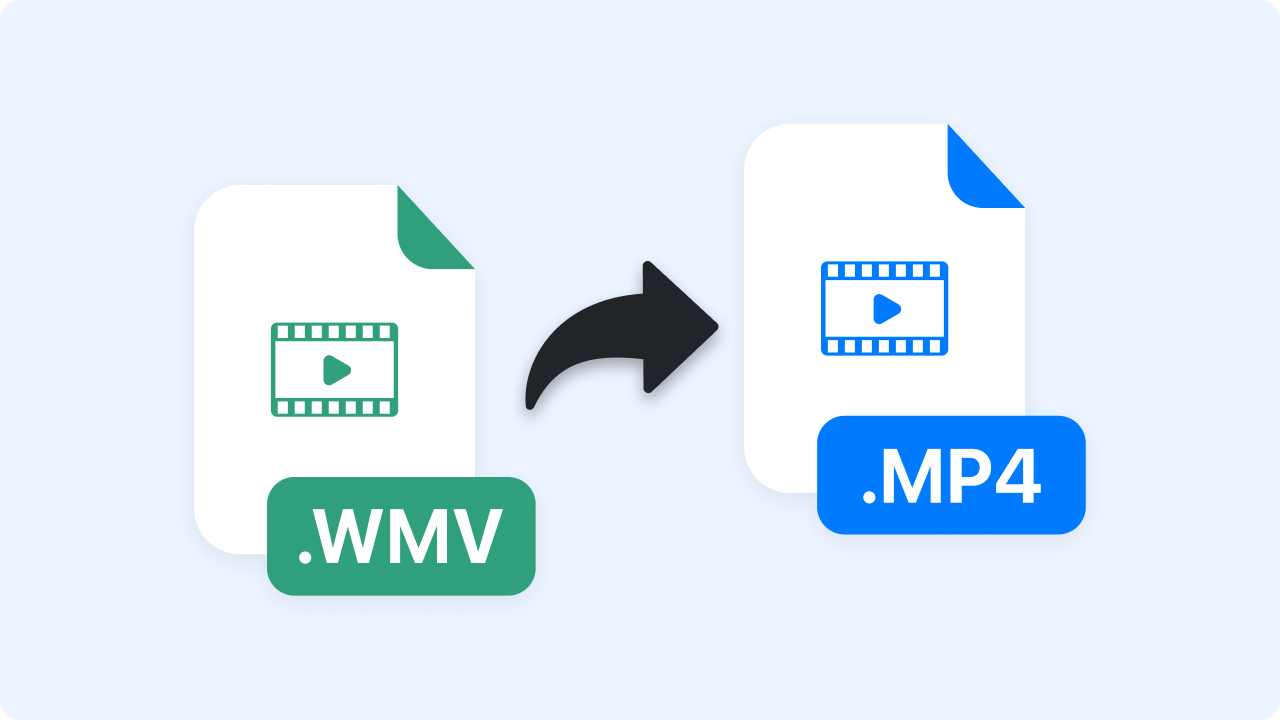
How to Convert WMV to MP4
Upload Your WMV File
Choose a WMV file from your computer or drag and drop it into the converter. Files up to 30 minutes in length are supported for quick processing.
Automatic Conversion
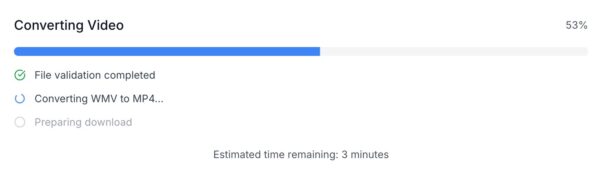
Once uploaded, your file begins converting instantly to MP4 using modern compression standards for optimal balance between quality and file size.
Download MP4
When conversion is complete, download your new MP4 instantly. It’s ready to use across devices, edit in any software, or share on social platforms.
Ready to Boost Your Productivity?
Save time and money while boosting your productivity with Zight — free tools for screen recording, screenshots, GIFs, and webcam capture.
Try Zight for Free
Choosing Between WMV and MP4
WMV
WMV (Windows Media Video) is a Microsoft-developed format designed for Windows playback. It provides good compression and quality but has limited support on non-Windows devices and browsers.
MP4
MP4 is the world’s most widely supported video format, compatible with nearly every operating system, media player, and web platform. It’s ideal for editing, streaming, and sharing thanks to efficient compression and broad compatibility.
Why Switch to MP4
-
Universal Playback: Works on Windows, macOS, iOS, Android, and Linux.
-
Better Compression: Smaller file sizes without noticeable quality loss.
-
Editing Friendly: Compatible with most editors like Premiere, Final Cut, and CapCut.
-
Easier Sharing: Upload directly to YouTube, Instagram, and other platforms.

Supported Use Cases
For Professionals
Convert WMV training materials or meeting recordings into MP4 for easier playback and sharing.
For Content Creators
Turn old WMV clips into MP4s ready for social platforms, editing tools, and mobile uploads.
For Businesses
Ensure compatibility with clients and partners who use different devices or systems.
For Educators
Share lecture recordings and tutorials in universally accessible MP4 format.
Unlock More Tools
Expand your toolkit with these additional free tools
Ultimate Guide: How to Convert WMV to MP4
Learn how to transform older WMV files into modern, high-quality MP4 videos that play everywhere.
Understanding WMV and MP4
WMV is great for older Windows workflows, but MP4 offers wider compatibility and smaller file sizes — making it the go-to format for web use, editing, and cloud sharing.
Why MP4 is the Modern Standard
MP4 uses advanced codecs like H.264 and H.265, allowing smooth playback on all major devices and browsers. It’s the preferred format for social media, streaming platforms, and collaborative workflows.
Ensuring Quality During Conversion
Zight maintains visual clarity by optimizing video bitrate and resolution during conversion. The result: smaller file sizes without visible quality loss.
Conclusion
Zight’s WMV to MP4 Converter gives you a quick, private, and high-quality way to bring older video files into the modern standard. Convert and download in seconds — no installations, no sign-ups, no compromise.
Convert your WMV files now and make them ready for any platform or device.












